Signs a Candidate Is Using AI to Answer Questions During a Live Interview
Discover how recruiters can detect when candidates secretly use ChatGPT or other AI tools during live interviews. Learn the behavioral, linguistic, and forensic signs of AI-assisted answers and how tools like Sherlock identify them in real time.

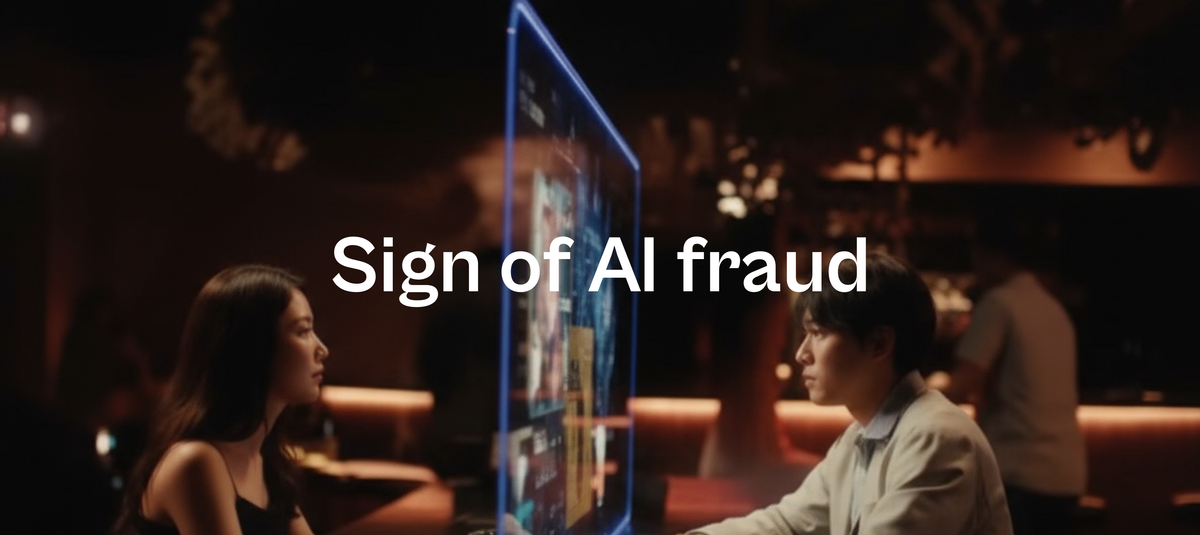
Let’s face it: interviews don’t sound the same anymore.
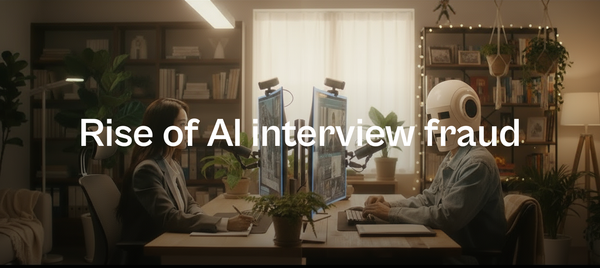
Candidates are quietly using AI assistants to generate, read, or structure their answers in real time. Whether through invisible earpieces, browser copilots, or AI overlays, the modern interview isn't always one-on-one anymore - it's one-on-AI.
This shift challenges the very foundation of what interviews stand for: authentic judgment of skill, cognition, and culture-add.
The Complication
AI-generated answers feels natural enough to bypass intuition - but hollow enough to unsettle experienced interviewers.
Traditional proctoring systems detect copying and tab-switching, but not subtle behavioral drift - the difference between someone thinking and someone transmitting.
That’s where forensic AI detection, like Sherlock, enters the picture. Instead of relying on content plagiarism checks, it studies behavioral entropy, voice prosody, gaze motion, and response latency to find invisible fingerprints of AI usage.
8 Red Flags
- The "Processing Pause" Pattern
AI-assisted candidates often delay answers by 3 - 5 seconds - long enough for an AI to process a prompt but short enough to appear as "thoughtful silence."
🔍 Visual cue suggestion: Timeline chart showing question → silence (3–5 sec) → response block labeled “latency gap.”
- Essay-Style Speech
AI speech sounds like a presentation, not a conversation.
Phrases like “There are three main points…” or “From a broader perspective…” signal templated structuring.
Human speech is messy; AI speech is manicured.
🔍 Visual cue suggestion: Split-screen comparison — human speech waveform (irregular rhythm) vs. AI-generated speech (smooth and evenly paced).
- Flat Voice and Missing Emotion
AI-read or AI-assisted responses lack natural inflection.
You’ll notice:
- Constant tone
- No emotional emphasis
- Smooth but robotic pacing
Humans subconsciously modulate pitch to convey enthusiasm or doubt; AI voices don’t.
🔍 Visual cue suggestion: Sherlock prosody chart — showing low prosody variance across answers.
- Eyes That Don’t Wander
Humans glance around when thinking; AI-fed candidates stare fixedly at one area—usually where text appears.
If their gaze never breaks the same horizontal plane, it’s likely they’re reading.
🔍 Visual cue suggestion: Sherlock gaze heatmap — red concentration blob at one off-camera region.
- Scripted Specificity or Generic Vague
AI responses often live at extremes:
- Too specific (“Our dataset had 2.3 million points…”)
- Too generic (“Teamwork is essential in all organizations…”)
Both sound unnatural when not supported by personal context.
- No Recovery When Interrupted
Interrupt an AI-fed candidate mid-sentence or reframe the question.
Humans adapt instantly. AI-assisted candidates freeze, restart, or repeat.
🔍 Visual cue suggestion: “Interruption Test” chart — real vs. AI response recovery latency.
- Missing Human Micro-Behaviors
Real humans blink, smile slightly, shift posture, nod subconsciously.
AI-fed candidates often “lock” their posture and over-focus—because their cognitive load is off-screen.
🔍 Visual cue suggestion: Sherlock body-movement variance chart — low movement entropy = probable AI assistance.
How does Sherlock detects these red flags
Sherlock’s forensic AI layer detects subtle digital and physiological anomalies that betray hidden AI assistance.
| Signal Type | Indicator | Why It Matters |
|---|---|---|
| Latency Variance | 3–5s consistent delay | Suggests time taken to fetch AI-generated answer |
| Eye Entropy | Fixed off-center gaze | Indicates reading from hidden window |
| Prosody Variance | Flat pitch + rhythm | Suggests speech synthesized or read |
| Clipboard Events | Copy/paste during interview | Confirms text injection or retrieval |
| Audio Artifacts | Echo or robotic modulation | May indicate voice routing via AI whisperer |
🔍 Visual cue suggestion: Sherlock dashboard combining gaze entropy, prosody variance, and latency graph overlays.
How to Stay Ahead
- Ask Lived-Experience Questions
Prompt real recall. “Tell me about a time when you failed publicly” or “Walk me through a decision that backfired.”
AI can simulate correctness, not humanness.
- Change Modalities Mid-Flow
Switch to whiteboard, codepad, or scenario-based tasks.
Cognitive switching forces genuine processing, impossible to fake through static text.
- Introduce Spontaneity
Interrupt. Rephrase. Add constraints.
AI systems fail when the input deviates even slightly from expected syntax.
- Use AI-Forensic Monitoring
Sherlock’s multi-modal detection stack (video gaze, prosody, browser telemetry) can identify hidden AI involvement—without breaching candidate privacy.
It’s like having a silent auditor watching for non-human signal patterns.
- Create a Policy of Transparency
Not all AI use is malicious. Some candidates use AI for confidence or language help. Instead of punishment, frame it as a trust protocol:
“AI assistance must be disclosed upfront, or it counts as integrity violation.”
The New Reality
We’re entering a hiring era where the question isn’t “Can this person answer?”
It’s “Can this person think?”
The best interviewers of the future won’t just evaluate what is said—but how it’s said, when it’s said, and why it sounds the way it does.
Tools like Sherlock are building that integrity layer for hiring—ensuring that intelligence stays human, even in an AI world.
Interested in seeing how Sherlock detects AI-aided responses in live interviews?
🕵️♂️ Request a Demo and explore our forensic dashboards for gaze entropy, prosody variance, and latency detection.